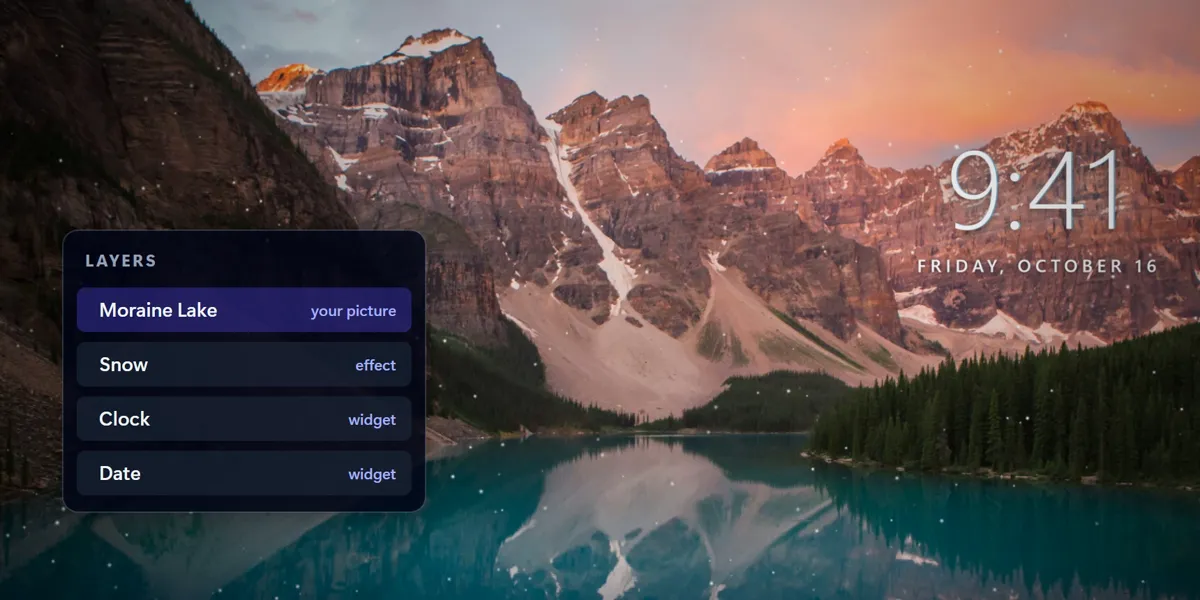
Your photo, with live effects on top
Drop in any picture you love and stack live effects over it. Every piece is its own layer, so you can move, restyle or remove it any time.
- Snow
- Rain
- Aurora
- Stars
- Flowing gradients
- Particles
- Film grain
Mural Live brings your own photos to life with snow, rain, aurora and stars, plus live widgets and ready-made templates, right behind your desktop icons.
Version 0.1.20 · 107 MB · installs for your user, no admin rights · what's new · first-run SmartScreen notice?
Everything here comes with the app: 7 days free, then CA$4.99 once. No subscription, no account.
Drop in any picture you love and stack live effects over it. Every piece is its own layer, so you can move, restyle or remove it any time.
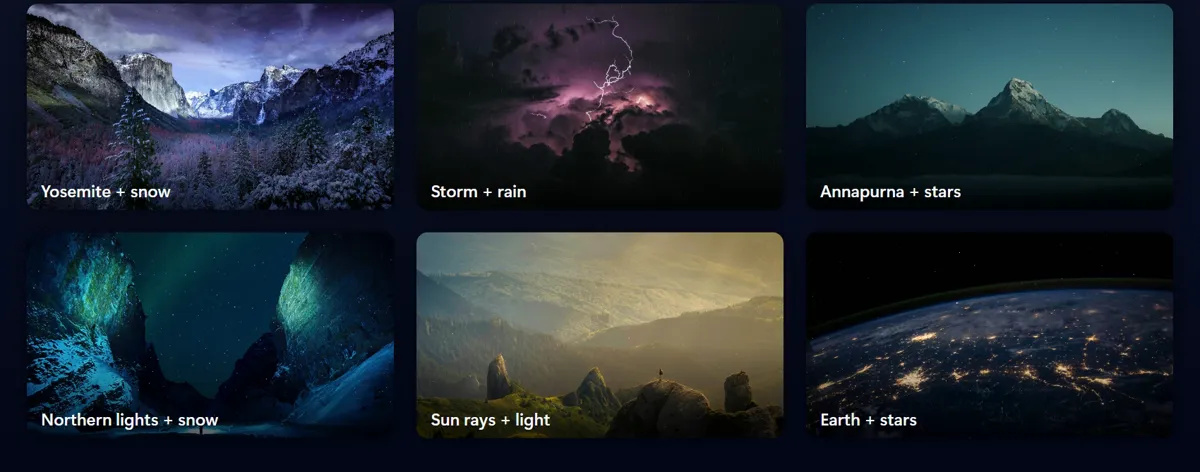
Use your pictures, looping videos or image sequences as the base. Crop, scale and place them on a real canvas.
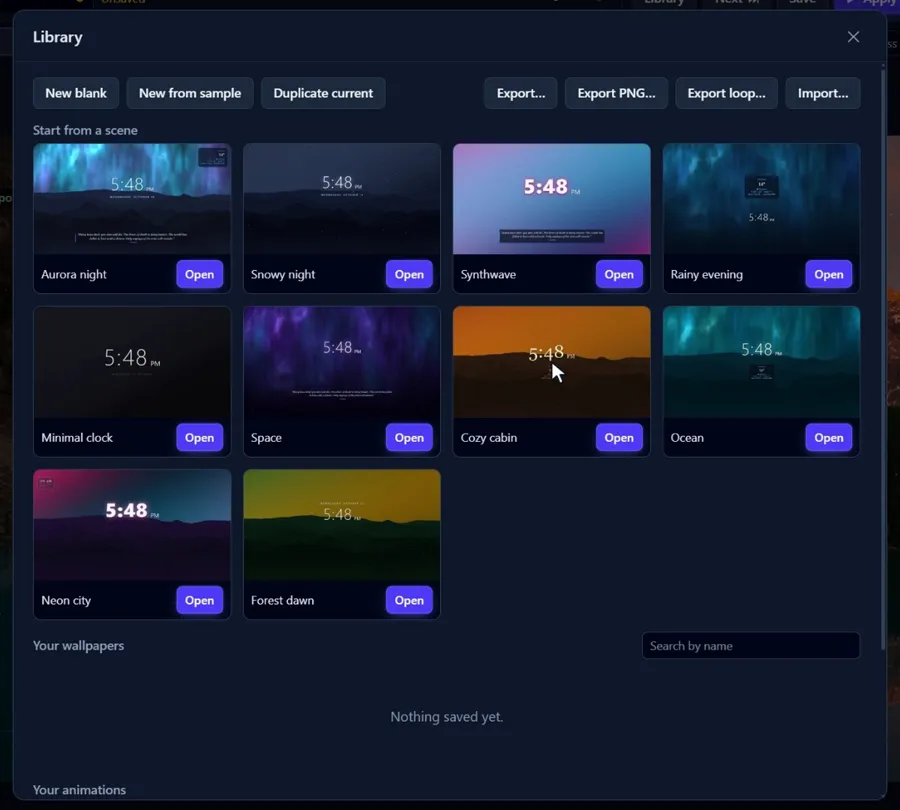
Ten ready-made live scenes in the Library. Open one, change anything, apply. Browse them below.

It plays as your real wallpaper, under your icons and taskbar, not in a window. Nothing changes on your desktop until you press Apply.
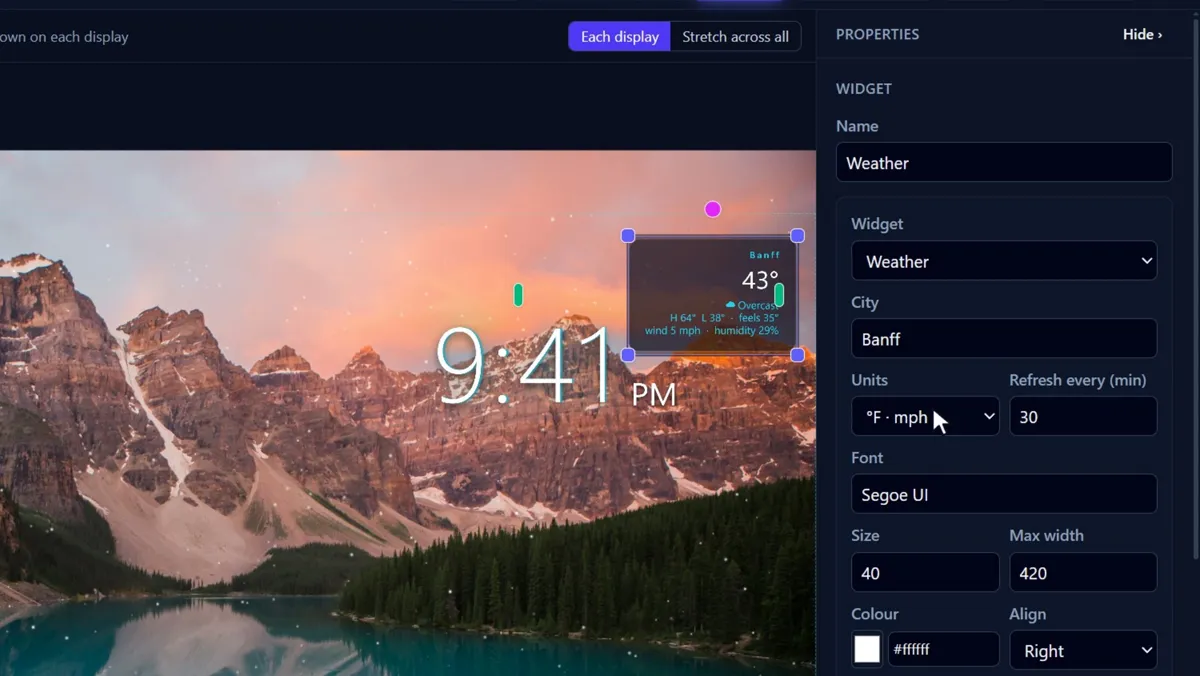
Clock, date, weather for your city, quotes, system stats and photo feeds, styled to match: glass cards, glows, any font.
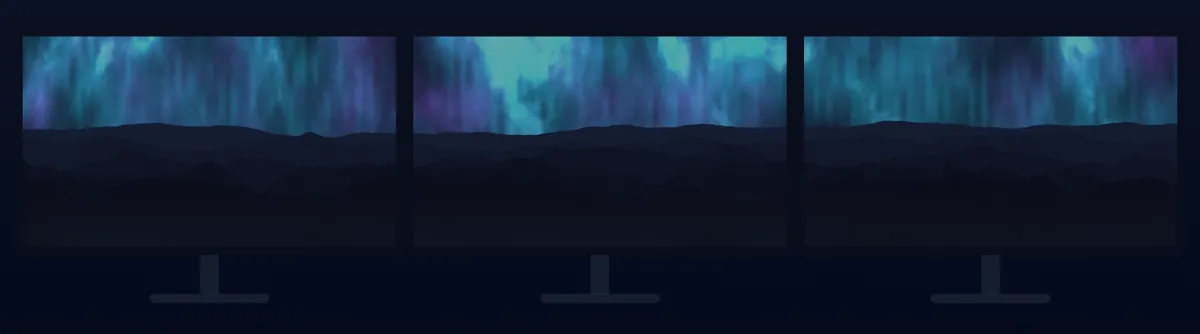
The same wallpaper on each display, or one scene stretched across all of them, with per-monitor guides in the editor.
CA$4.99 once after the trial, with a license key that works on up to 5 PCs. It checks for updates by itself.
Rendering stops by itself while you play games, run fullscreen apps or save battery. Cap it at 30 fps if you like.
No account, no analytics, no telemetry. Your wallpapers are plain files on your PC. Privacy
With Mural Live installed, Open in Mural adds a scene to your library (the browser asks first). They are built from effects and widgets, so each one weighs almost nothing.
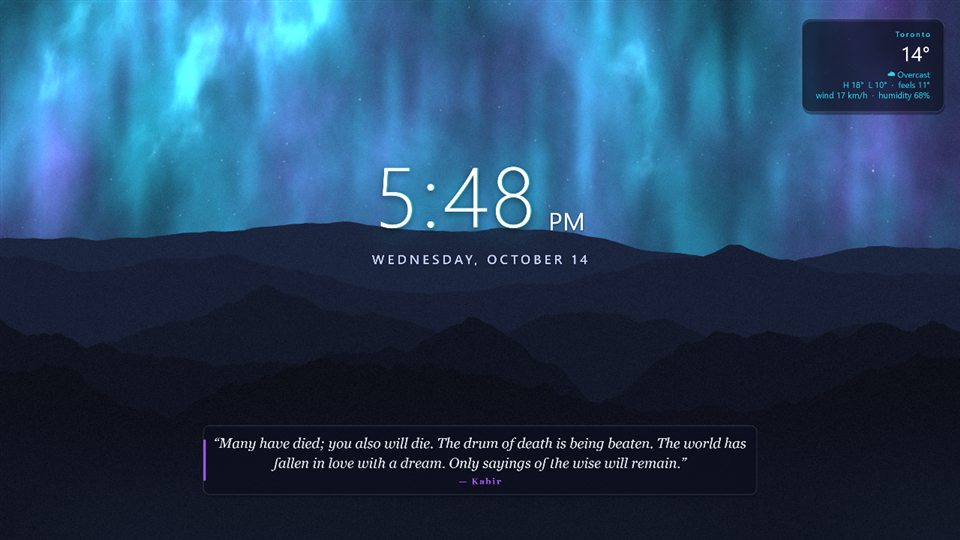
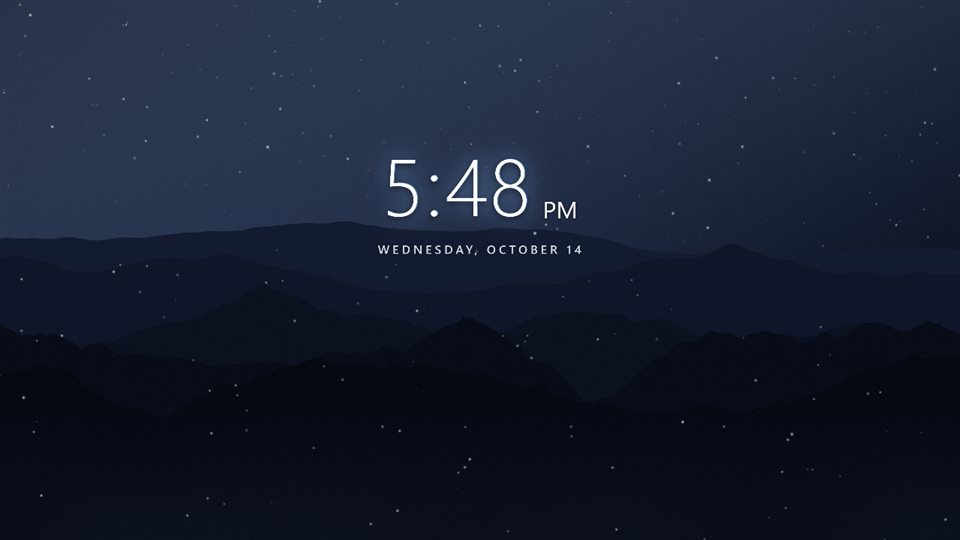
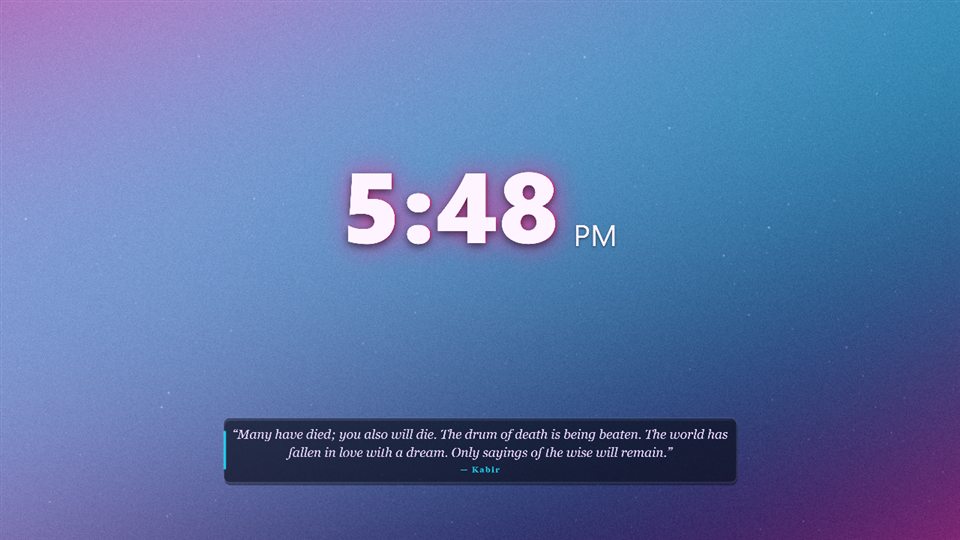
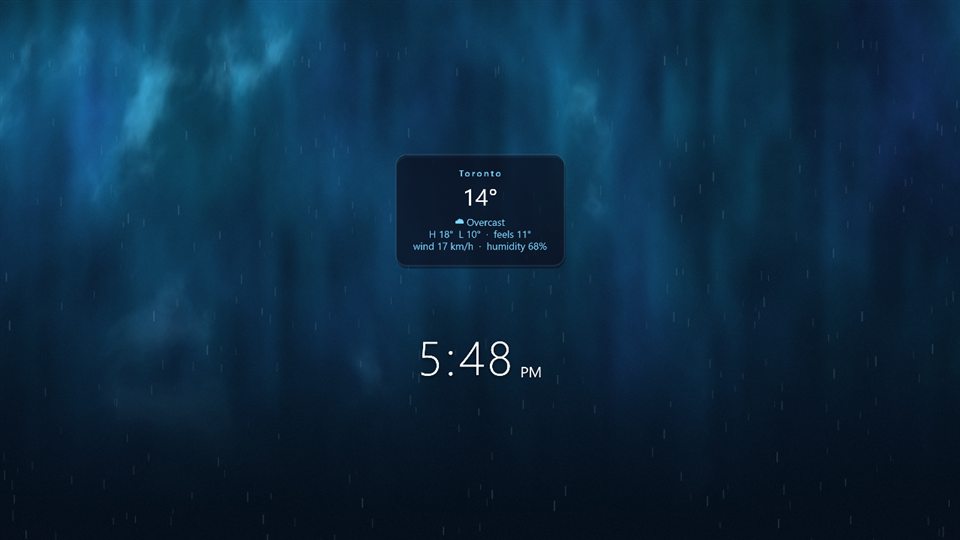
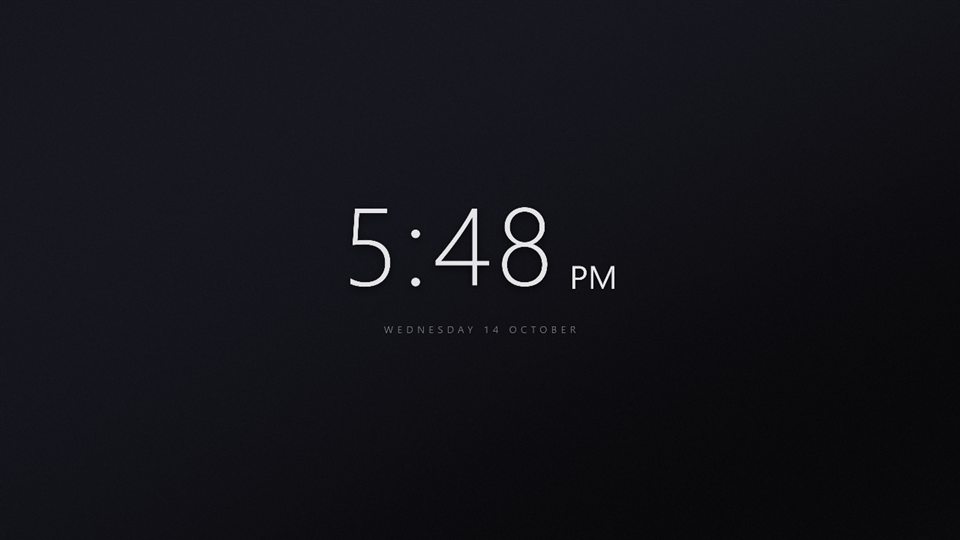
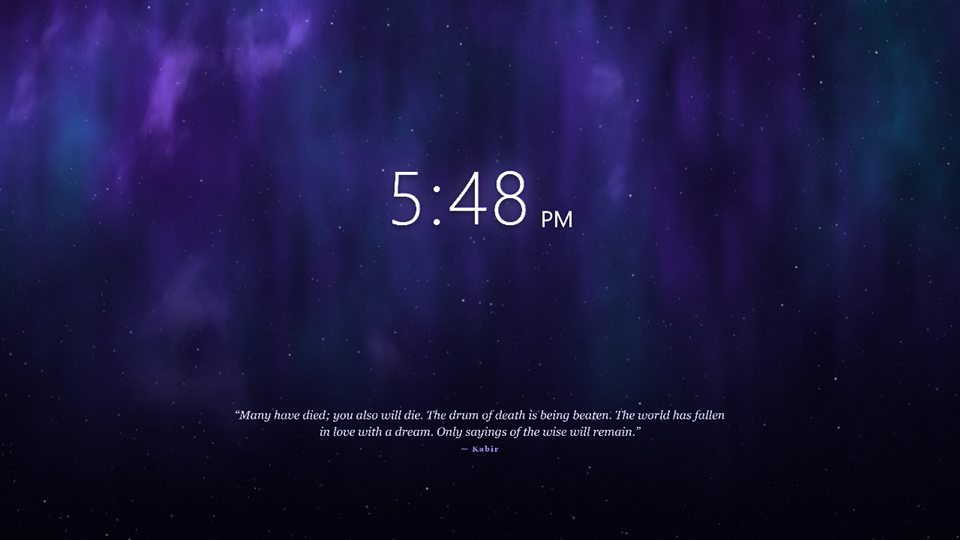
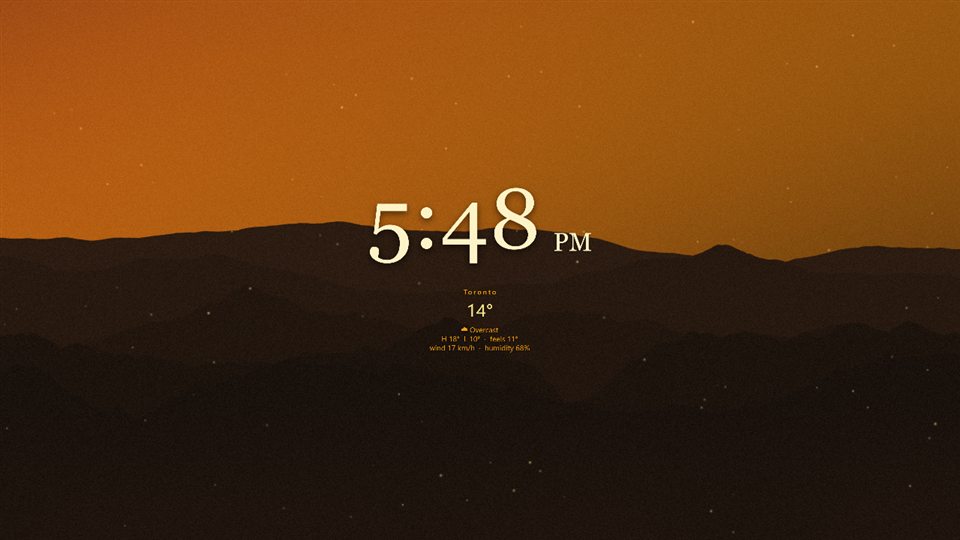
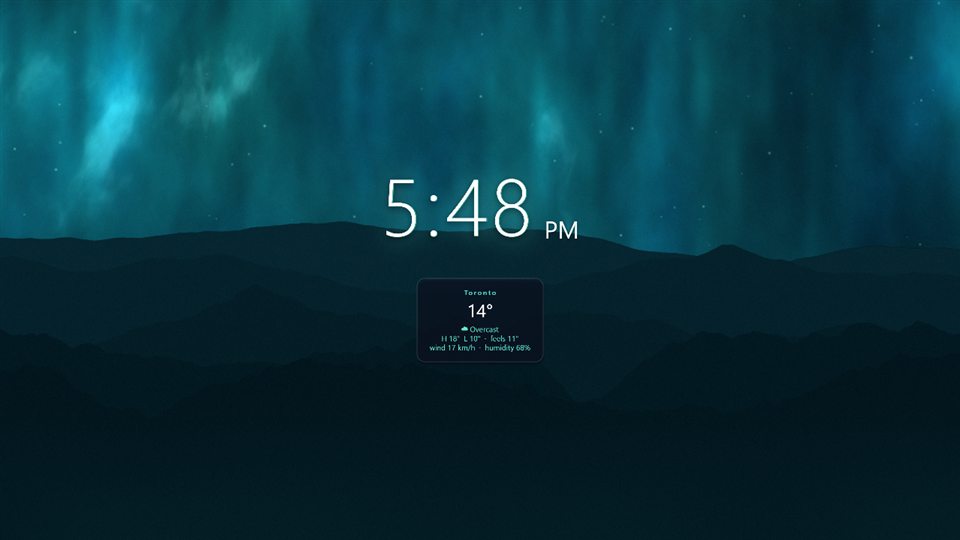
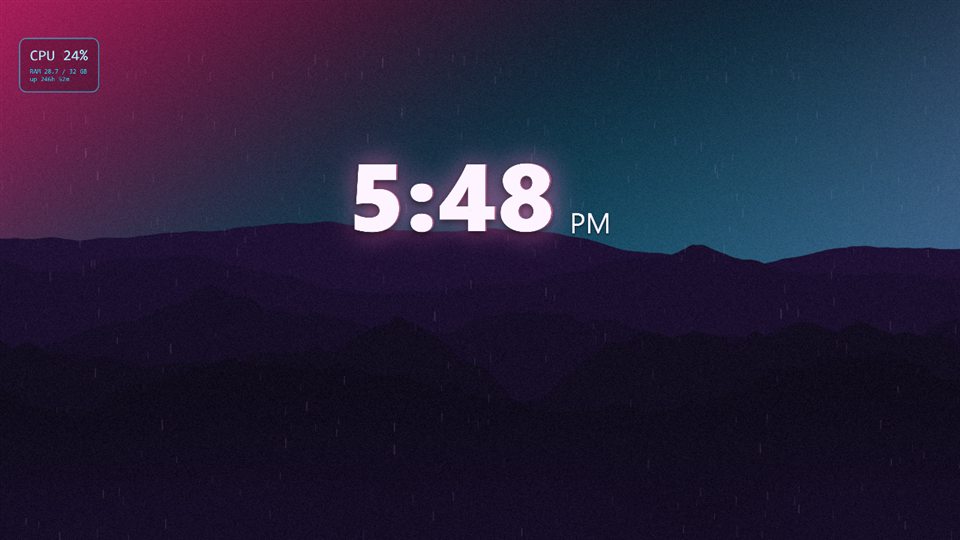
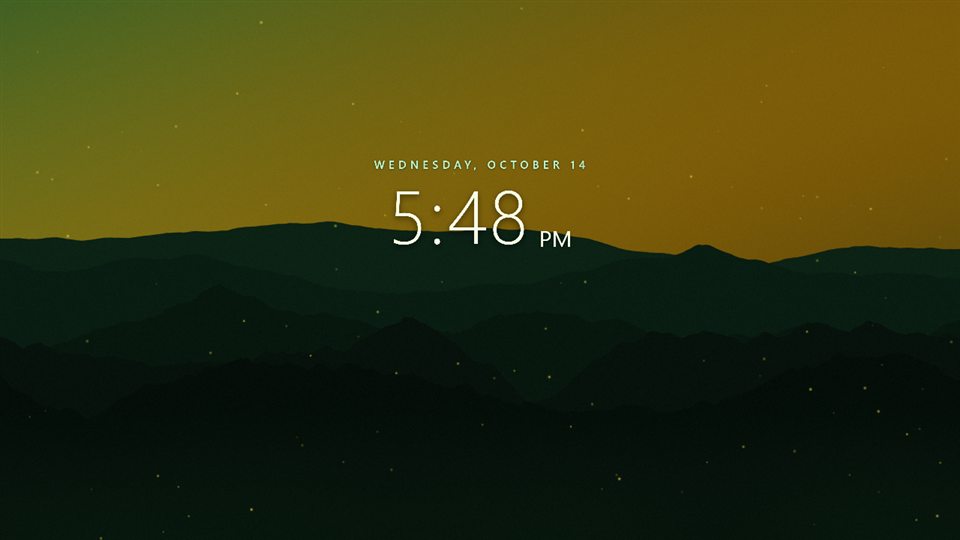
No Mural Live yet? The same ten scenes are already in the app's Library. The .mural file opens with a double-click on a PC with Mural Live.
Mural Pro adds AI tools on top of everything above. It is a monthly subscription that includes the app and a credit allowance; every button shows its cost before anything is spent.
 Paint with AI
Describe it and AI paints it at your canvas size, as a new layer you can keep editing. A ringed planet in front of a purple galaxy.
Turn a still into a looping animation: falling water, drifting clouds, glowing light. Or split a picture into layers for a parallax effect.
Type make it snow and move the clock up
and the AI changes the layers for you. You can still adjust every piece afterwards.




Already have AI keys? Paste your own Anthropic, OpenAI, Stability AI or fal.ai keys in Settings and use the AI tools without a subscription; the providers bill you directly.
From a plain photo to a live wallpaper on the desktop, then the AI tools.
Every feature is free for 7 days, with no card. After that, one payment unlocks the app for good. Mural Pro is only for the AI tools.
Trial runs inside the app, no card required. 14-day money-back guarantee.
Optional monthly plans. Every plan includes the app, plus a monthly allowance of AI credits.
Launch prices apply to subscriptions started on or before October 22, 2026, and stay in place for as long as that subscription remains active.
| AI Chat request (the AI edits the wallpaper for you) | from 1 |
| Generate a picture, depending on quality | 5 to 20 |
| Edit the wallpaper with a description | 5 to 20 |
| Remove a background | 5 |
| Split a picture into layers | about 10 |
| Animate a picture (5-second clip) | from 30 |
The app shows the cost before anything is spent.
14-day money-back guarantee on every payment: the CA$4.99 app and each Mural Pro month. Not for you? Ask within 14 days and you get the full amount back, no questions. How refunds work
All prices in Canadian dollars. Lemon Squeezy, as merchant of record, adds any applicable sales tax or VAT at checkout.
Mural Live is for Windows 10 and Windows 11 (64-bit) with a graphics card from roughly the last ten years and up-to-date drivers. It installs for your user without admin rights and takes about 300 MB on disk. It does not run on Mac, phones or tablets.
Yes. You get every feature for 7 days, and no card is needed to start. After the trial, a single CA$4.99 purchase unlocks the app permanently. Putting wallpapers on your desktop then needs that unlock; your saved wallpapers are kept either way.
No. Live wallpapers, effects, widgets, templates, your own photos and videos, and multi-monitor support all come with the CA$4.99 app. Mural Pro only adds the AI tools (painting, animating, AI Chat and more).
If something the AI makes is inappropriate or harmful, press Report in AI Chat or the AI tool and describe it in a sentence. The report goes privately to the Mural developer, who reviews every one.
No. If you installed Mural before version 0.1.19, you keep the app free. Thank you for being an early user.
Mural Live is on its way to the Microsoft Store. Once it is listed, a Store button will appear on this page. Until then, the installer here is the same app, and it updates itself.
No. Mural Live stops rendering while a game or any fullscreen app is in front, and can pause on battery. You can also cap it at 30 or 24 fps and lower the render quality in Settings.
Mural Live comes from a small, new developer and the installer is not code-signed yet, so Windows SmartScreen asks the first time. To install:
The installer is the same file published on the GitHub releases page, and its SHA-256 is at the bottom of this page so you can check it.
Yes. Every payment has a 14-day money-back guarantee: the CA$4.99 app and each Mural Pro month. Ask within 14 days by replying to your Lemon Squeezy receipt email or opening a support issue, and you get the full amount back. No reason needed. Details on the refunds page.
The CA$4.99 license key works on up to 5 PCs.
Credits refill on each renewal date and unused credits do not roll over. Failed AI jobs are refunded automatically. You can change plan or cancel any time from the Lemon Squeezy customer portal, linked in the app's Settings (or open the billing portal). Everything you made, including AI pictures and animations, stays on your PC and keeps working.
Mural Live has no account, no analytics and no telemetry. Only the widgets you add (weather, quotes, photo feeds), update checks and the license check go online. The AI tools upload content only when you press an AI button. Every case is listed on the privacy page.
7 days free with every feature. Then CA$4.99 once, or Mural Pro for the AI tools. Every payment has a 14-day money-back guarantee.